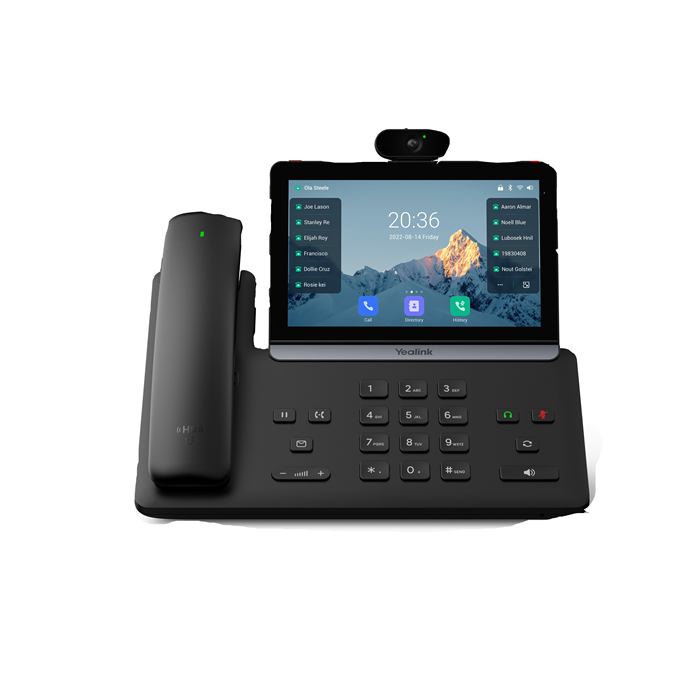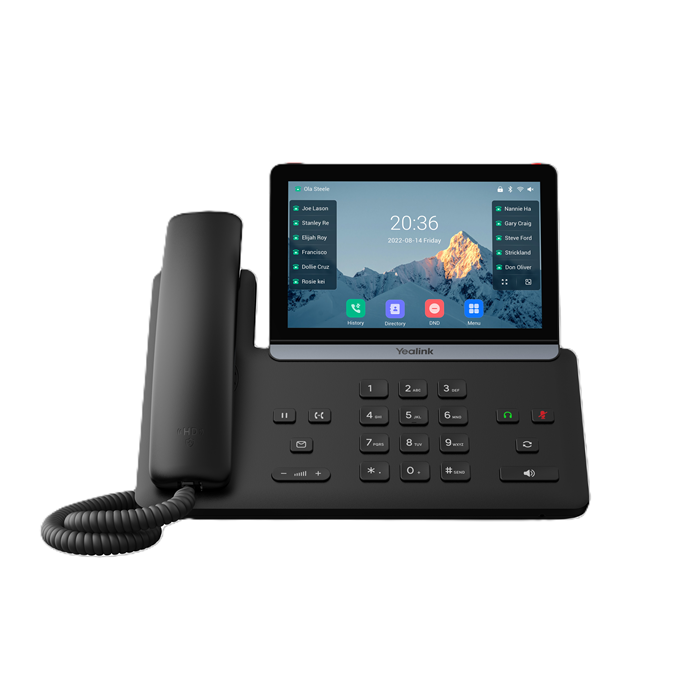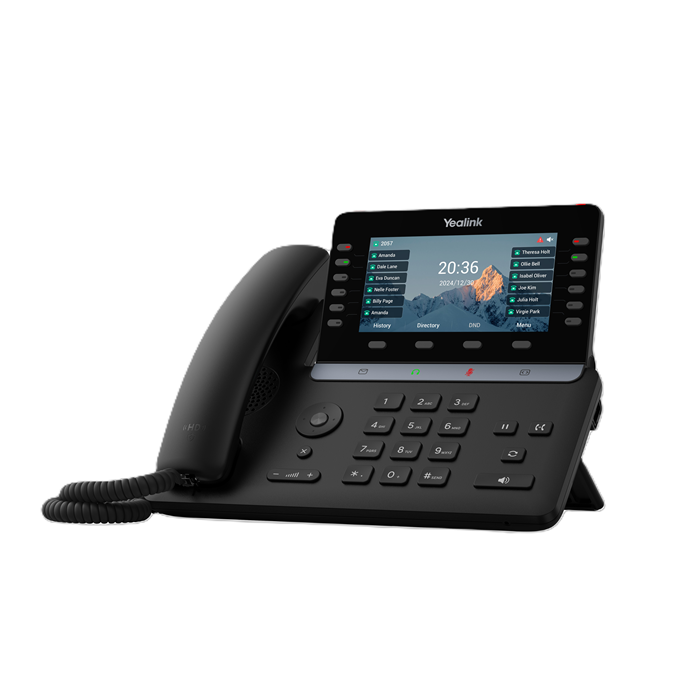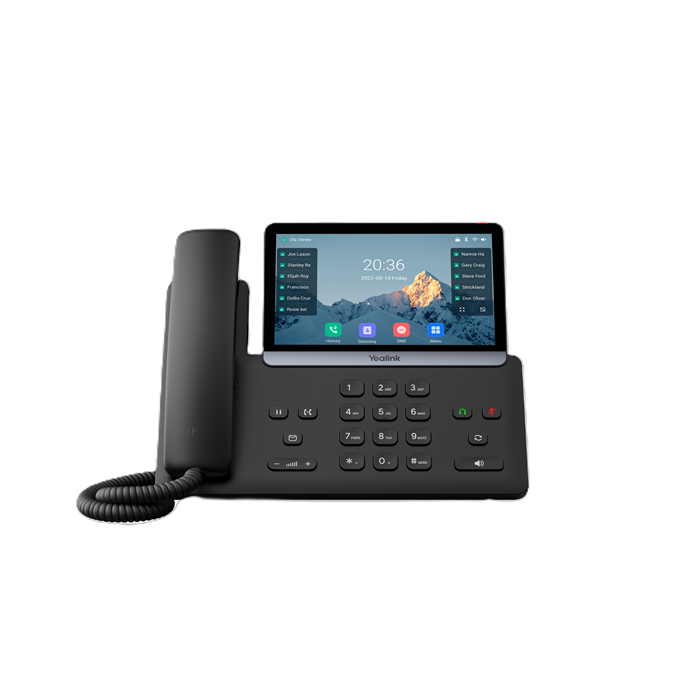
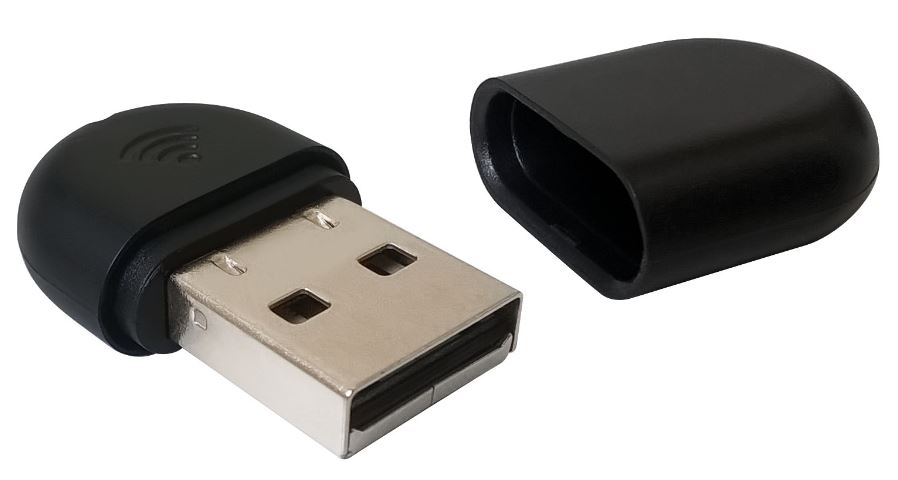
Your Yealink desk phone needs to live where the team can actually reach it — not wherever the nearest ethernet port happens to be. The WF40 dongle plugs straight into your phone's USB port and connects it to your 2.4GHz Wi-Fi network. No cable runs. No IT ticket. No waiting on a technician.
Drop it in, pick your network from the phone's menu, and you're making calls. That's the whole setup.
Compatible with Yealink SIP-T29G, T46G, T48G, T46S, T48S, T41S, T42S, T52S, T54S, and T53. Before you plug it in: T48G needs firmware 35.80.0.95 or later; T29G, T46G, T46S, and T48S need firmware version 81 or higher.
Low power draw, small enough to forget it's sitting on your desk, and built for the kind of reliable connection you'd expect from a wired link. In stock here in Australia. Add to cart when you're ready
| brand | Yealink |
| model | WF40 |
| type | Wi-Fi USB Dongle |
| frequency | 2.4GHz |
| connection | USB (plug into desk phone) |
| compatible_models | SIP-T29G, T46G, T48G, T46S, T48S, T41S, T42S, T52S, T54S, T53 |
| form_factor | Small USB dongle |
| power | Low consumption |
| category | VoIP Devices & Accessories |