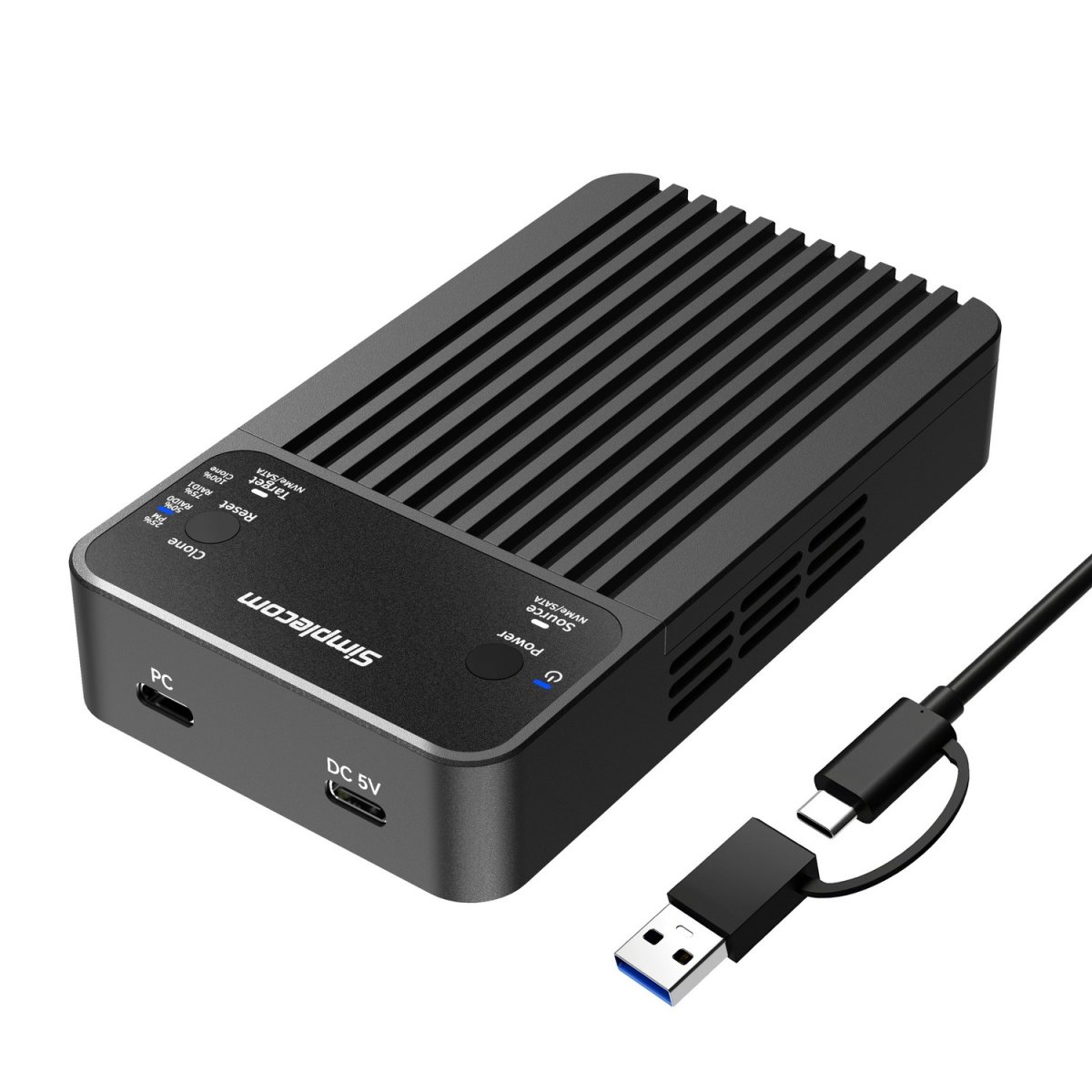
You've got a drive to replace, a backup to clone, or two SSDs that need to work together without a PC in the loop. The Simplecom SD562 does all three, and you don't need to install a single driver.
Drop in your M.2 NVMe or SATA drives (2230 to 2280), close the magnetic cover, plug in the USB-C cable. That's it. No software, no fiddling with screws.
Need speed? RAID 0 stripes both drives for faster read/write. Need a safety net? RAID 1 mirrors everything so one drive dying doesn't mean your data dies. Just want two independent drives showing up as separate letters? Normal partition mode handles that.
And if you're cloning a drive for a build or a backup, the offline clone mode duplicates it straight to the second bay without touching a computer at all.
The aluminium shell and built-in 20mm fan keep temps in check during long transfers. USB 3.2 Gen 2 pushes up to 10Gbps, so a 2TB copy finishes while you're still making your coffee.
One thing to know before you buy: both drives must be the same protocol. Two NVMe or two SATA. You can't mix them in any mode. And switching modes formats both drives, so back up first.
Ships from AU stock. $149.95
| 0 | 1x SD562 Dual-Bay M.2 SSD Enclosure |
| 1 | 1x USB-C and USB-A Combo Cable |
| 2 | 1x Power Adapter |
| 3 | 2x Silicone thermal pads |
| 4 | 2x Aluminium thermal pads |
| 5 | 1x User Manual |
| brand | SIMPLECOM |
| model | SD562 |
| interface | USB-C (USB 3.2 Gen 2) |
| transfer_rate | Up to 10Gbps |
| ssd_support | 2x NVMe M.2 or 2x SATA M.2 (same protocol only, no mixing) |
| ssd_sizes_supported | 2230, 2242, 2260 (source slot only), 2280 |
| operating_modes | RAID 0, RAID 1, Clone, Normal Partition Mode |
| cooling | 20mm radial fan |
| material | Aluminium |
| power_input | DC 5V/3A |
| dimensions | 120 x 68 x 22 mm (L x W x H) |
| weight | 208g (without SSD) |
| supported_os | Windows 7 or later, macOS 10.8 or later |
| rrp | $149.95 |
| stock | In stock (AU) |