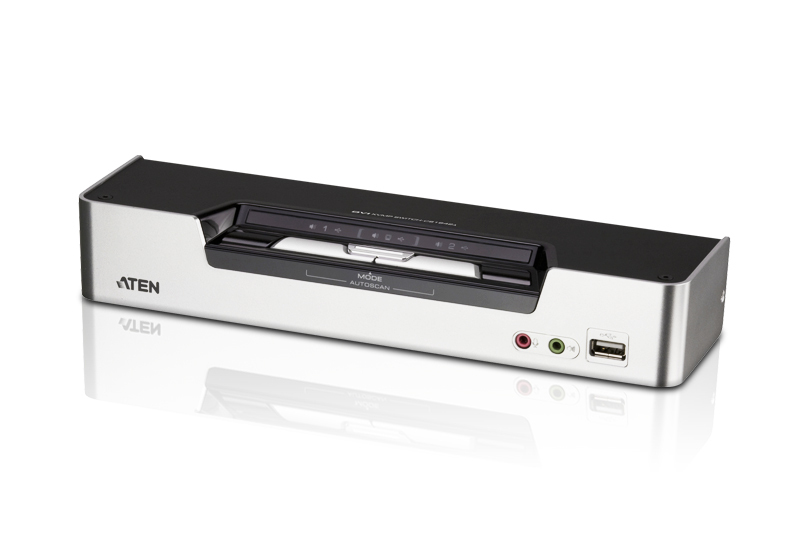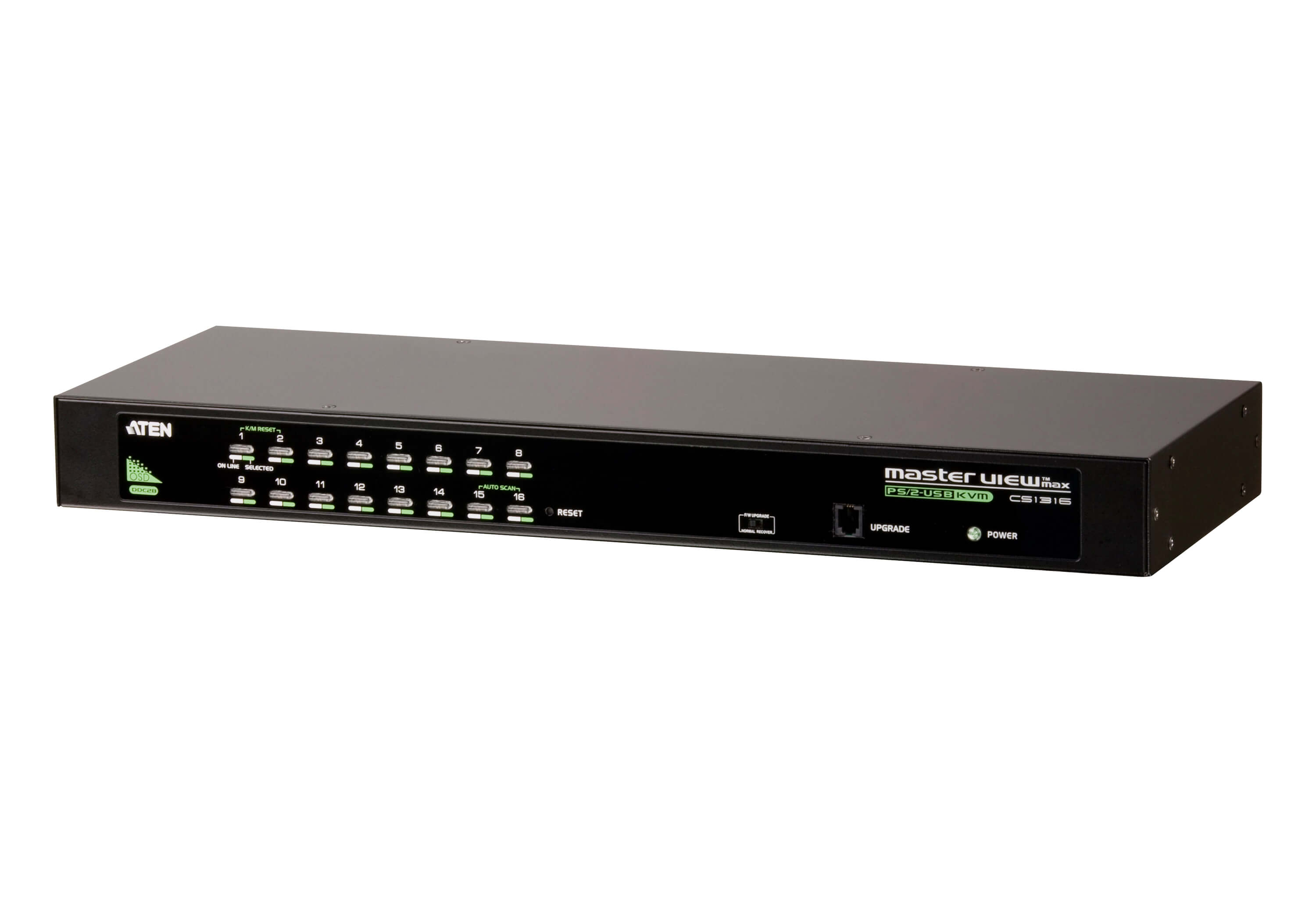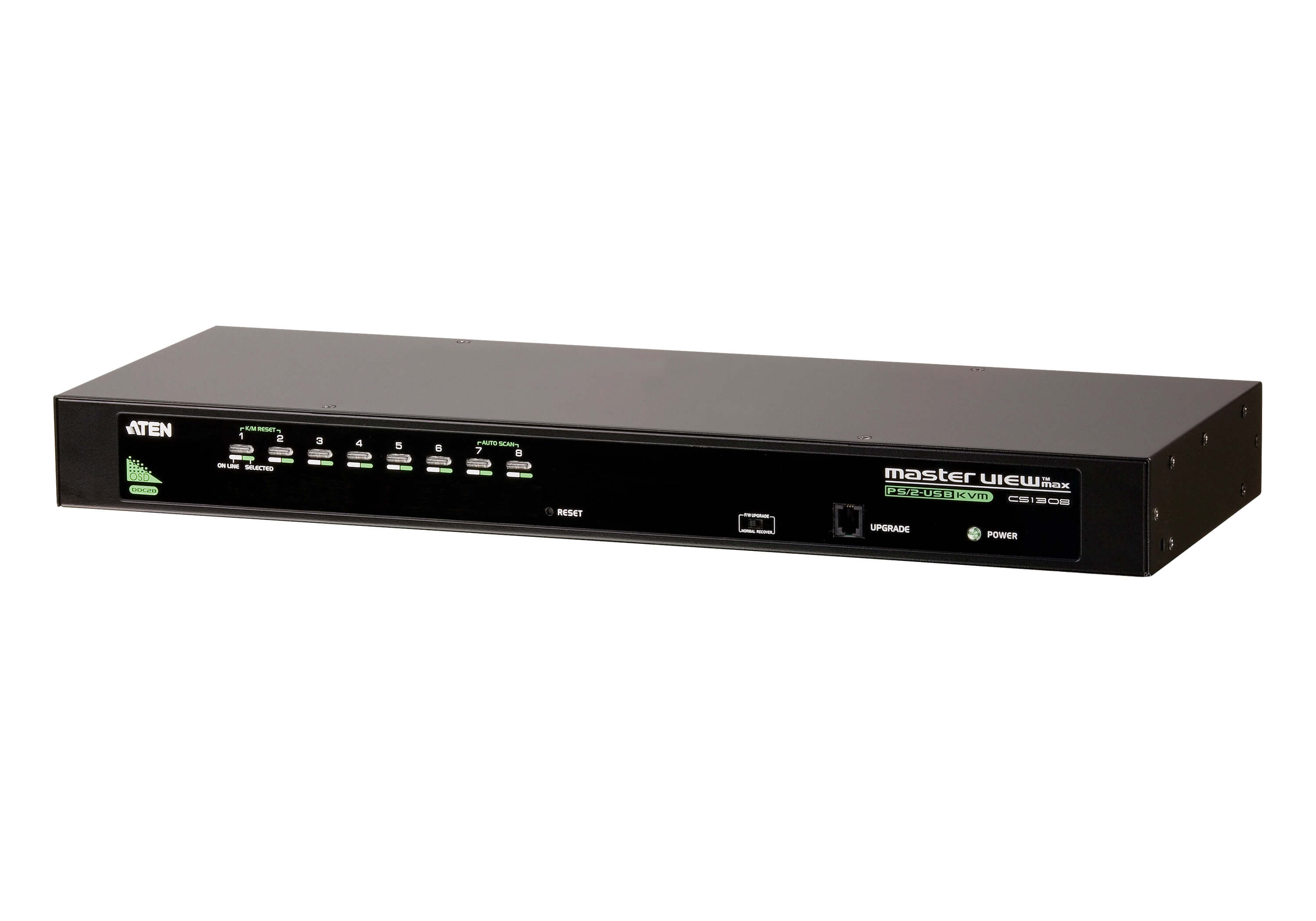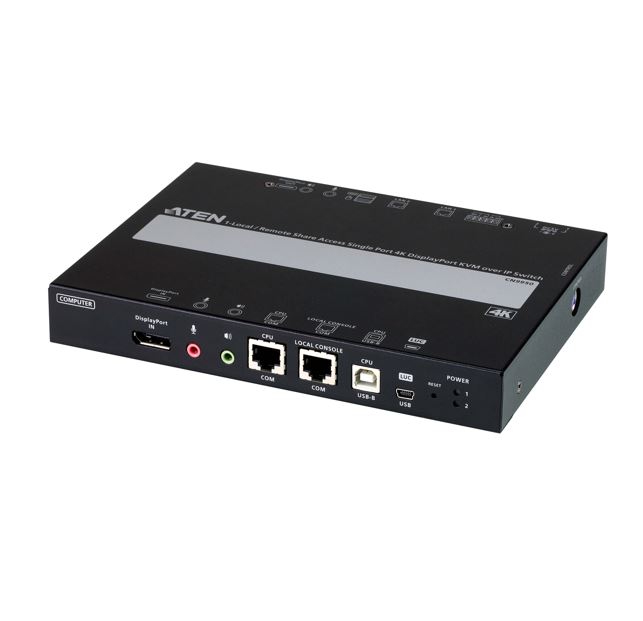

You've got a server in the rack room and you need to get in without driving there, waiting on a tech, or paying for a site visit. The ATEN CN8000A plugs into your existing KVM switch or bare server and puts full keyboard, video, and mouse control in your browser, on Windows, in Java, or right on your iPad via the PadClient app.
Connect it to your LAN or WAN with a standard Cat 5e/6 cable. That's it. No proprietary network gear, no extra licences. TCP/IP does the rest, whether you're down the hall or at a branch office across the country.
Need to drop an ISO in for a firmware update? USB 2.0 virtual media handles it. Running Smart Card or CAC logins? Map the reader locally and it shows up on the remote box. Got a PDU you want to control from the same console? The PON port talks to ATEN PDU devices directly.
In the box: the CN8000A unit, a 1.2 m custom KVM cable (VGA, USB, PS/2), a 27 cm console cable, a 1.8 m USB-A to Mini-B cable, power adapter, rack-mount kit, and instructions. Rack it up, patch the cable, log in from wherever you are.
RRP $1,216.00 AUD
| 0 | Web Browser |
| 1 | Windows Client |
| 2 | Java Client |
| 3 | PadClient iOS App |
| 0 | Custom KVM Cable – VGA, USB, PS/2 – 1.2 m |
| 1 | Custom Console Cable – VGA, USB, PS/2 – 27 cm |
| 2 | USB Cable – USB-A to USB Mini-B – 1.8 m |
| 0 | Power Adapter |
| 1 | Rack Mounting Kit |
| 2 | User Instructions |
| brand | ATEN |
| model | CN8000A |
| type | Single Port KVM over IP |
| video_interface | VGA |
| keyboard_mouse | USB, PS/2 |
| network_connection | Cat 5e/6 (LAN/WAN) |
| protocol | TCP/IP |
| virtual_media | USB 2.0 with Smart Card / CAC reader mapping |
| serial_port | RS-232 (modem / console) |
| pdu_port | PON (ATEN PDU compatible) |
| rrp_aud | 1216 |
| category | KVM Switch & Video |
| subcategory | KVM over IP |